Speech-to-text
Real-time event transcription
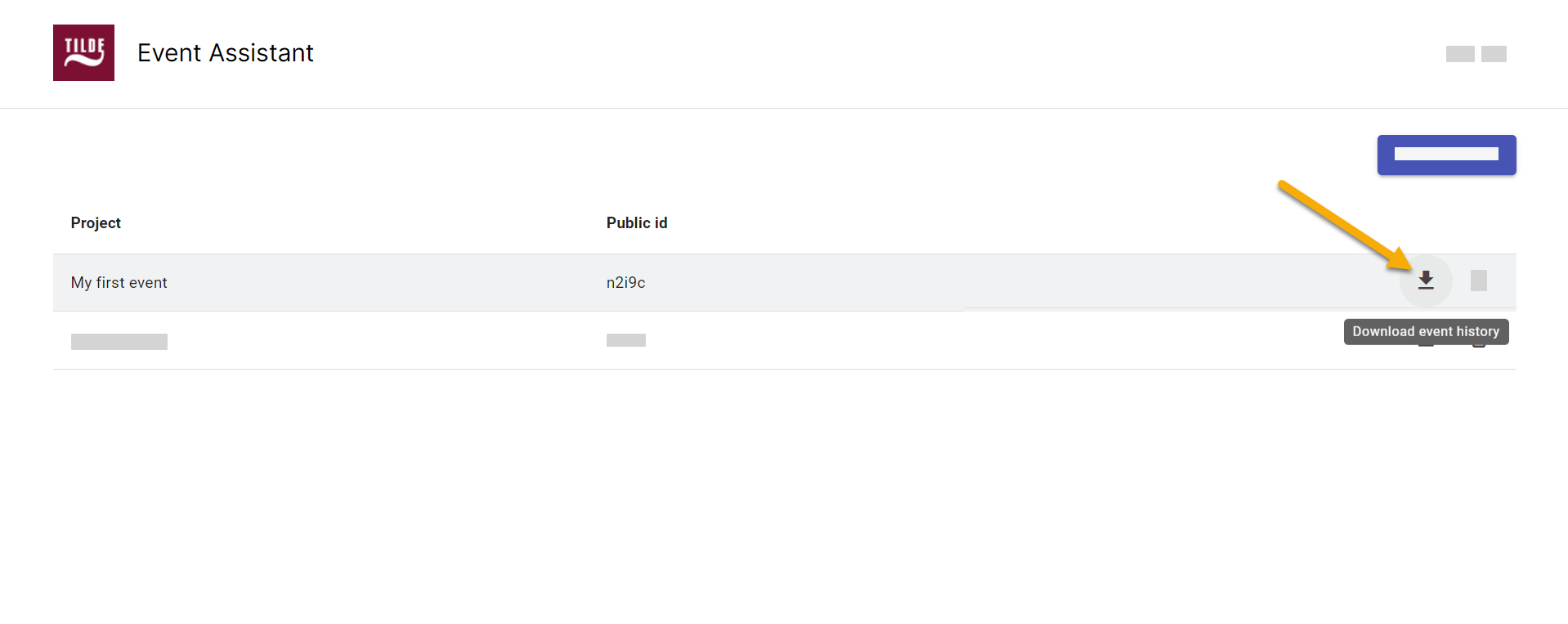
Figure 1. Download transcription. 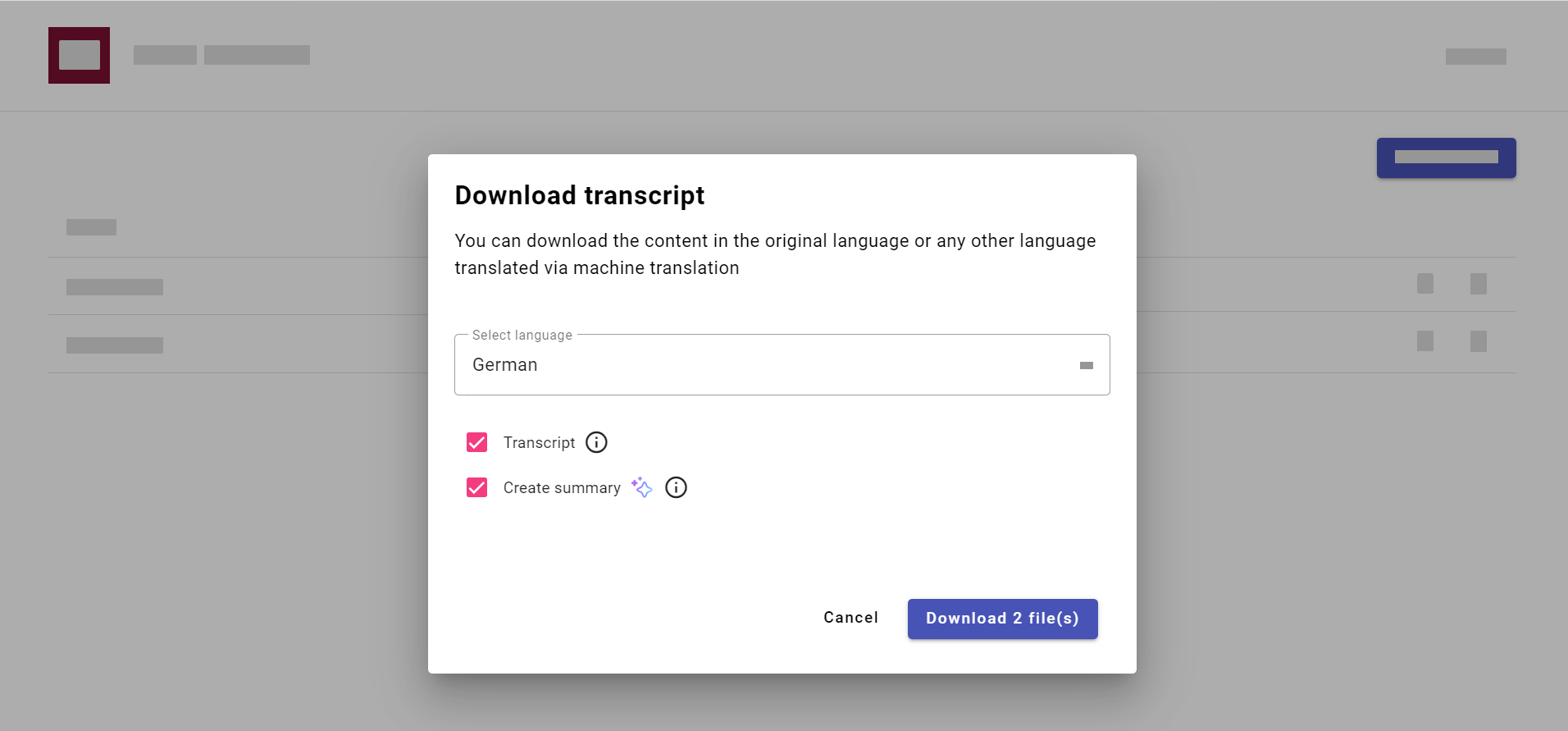
Figure 2. Select language of the transcript and/or summary. 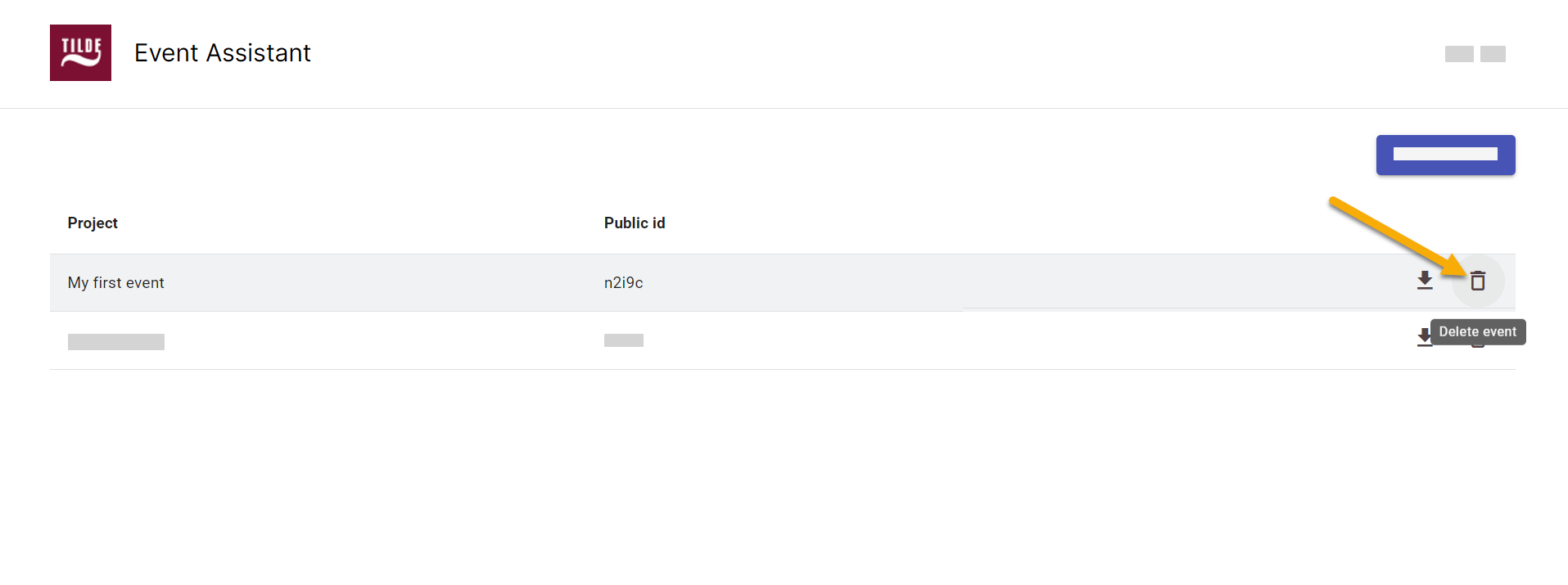
Figure 3. Delete event.
Manage transcripts and events
You can manage your event materials directly from the events list. This includes downloading transcripts or summaries and removing events you no longer need.
Download event transcript or summary
Info
Once the event concludes, you can:
- Download the full transcript in your selected language. Download the transcript in the original language or a machine-translated version.
- Download a concise summary of the event, generated by an LLM (Language Model).
To download event transcripts and summaries:
- Locate the event in the events list.
- Hover over the event and click the download icon.
- In the popup, choose:
- The language for the transcript.
- Additional options, such as generating and downloading the event transcript or summary.
Delete event
You can delete an event from the events list by clicking the delete icon at the end of its row.